Schoology has released this application to help syncing grades with PowerSchool. If you are still having issues with syncing please submit a helpdesk ticket.
You will need to perform all steps in each of your courses.
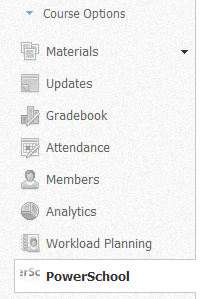
1. Click the PowerSchool app on the left panel menu bar.
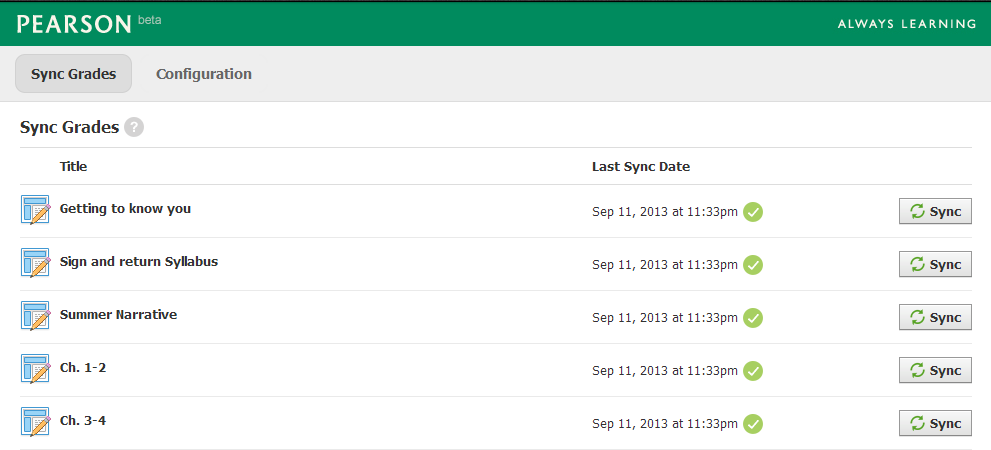
2. Wait for the PowerSchool App to load. You will see all of your assignments you have created in PowerSchool with a sync button next to them. Click Sync on all of your assignments.
3.If there are any errors with your assignments you will see the following message by hovering your mouse over the ! icon. This assignment never had a due date set in Schoology, this is required to perform a sync.

0 Comments