This article explains how to setup your student email on your iPad.
1. Open the Mail App

2. Select Exchange

3. Fill out your e-Mail and given to you by Guidance or the Technology Department.
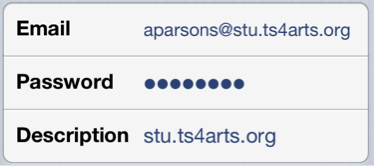
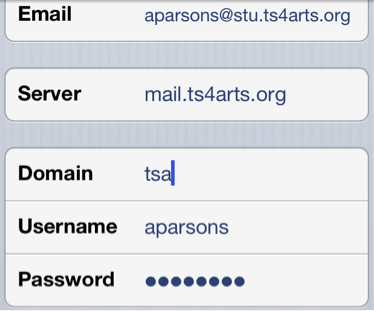
4. Most of this information will copy over but you will need to add Server, Domain, and Username.
Server: mail.ts4arts.org
Domain: tsa
Username: Your first initial, middle initial, and full last name.
Follow the prompts on the next screens.
0 Comments